

Apple’s latest update, iOS 18.3, has been making waves among iPhone users, especially those with devices from the iPhone XS onward. This update is not just another routine patch; it brings significant enhancements and bug fixes that can greatly improve your user experience. In this blog post, we’ll explore the standout features of iOS 18.3, how to install it, and what you can expect moving forward.
What’s New in iOS 18.3?
One of the most talked-about features of iOS 18.3 is its focus on improving user interaction through the Calculator app. Users can now repeat their last mathematical operation simply by tapping the equals sign again. This small yet powerful tweak can save time during calculations, making it particularly beneficial for those who frequently use their devices for quick math.
Another notable improvement is Siri typing is now fixed. Earlier, the keyboard would sometimes disappear when a typed request is initiated with Siri. Users will find the annoying issue successfully resolved with the iOS 18.3 update, which makes virtual assistance more seamless and less frustrations.
Installation Steps for Users of iPhone 11
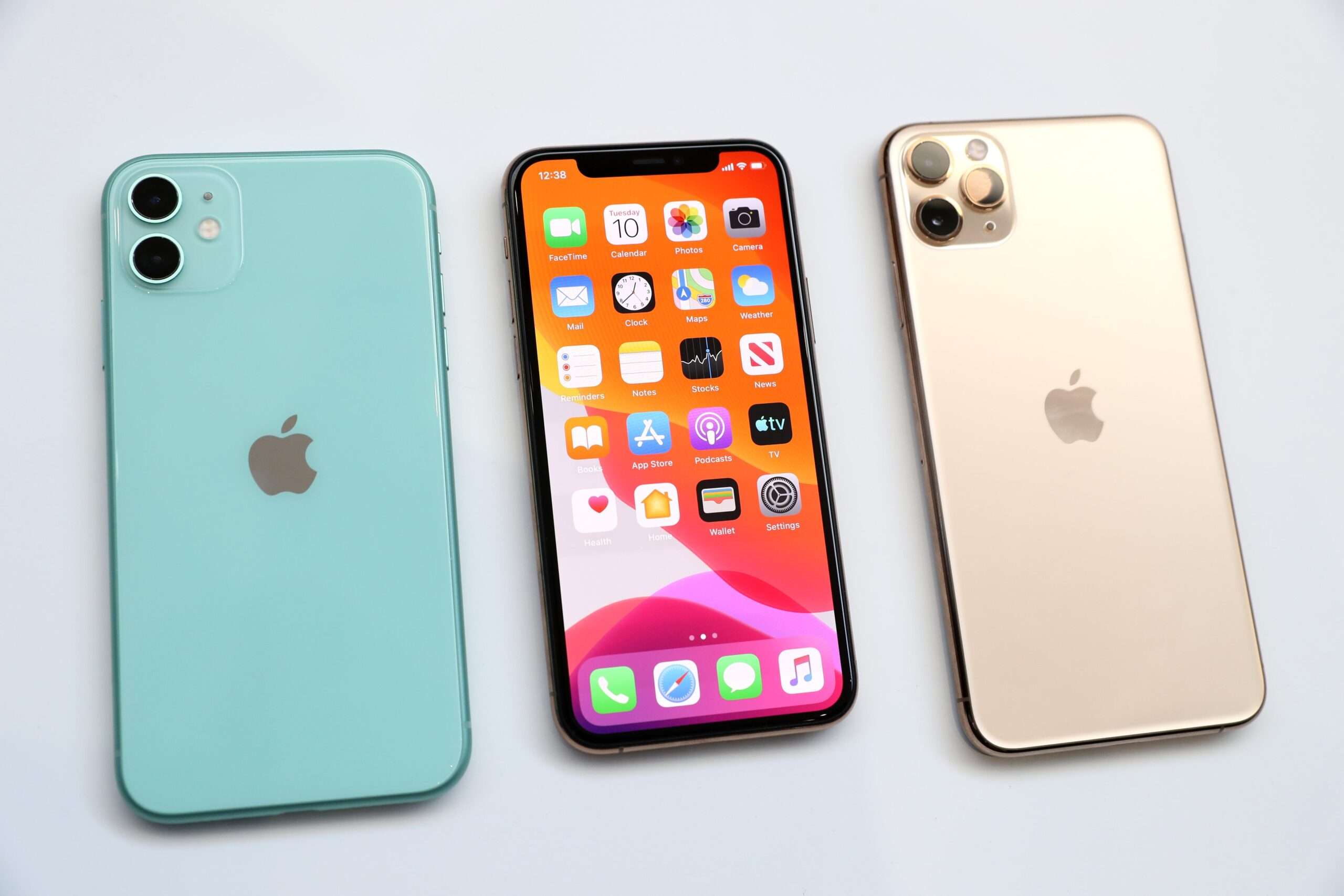
For users of the iPhone 11 series—namely the iPhone 11, iPhone 11 Pro, and iPhone 11 Pro Max—Apple has introduced a unique installation process. Unlike typical over-the-air updates, iPhone 11 users must sideload the update through a Mac or Windows computer. This means connecting your device via a USB cable, opening Finder, and selecting the option to update. It’s a slightly more involved process, but necessary to access the latest features.
Understanding the Build Numbers
The iOS 18.3 update comes with two build numbers—22D63 and 22D64. The latter is specifically for the iPhone 11 series, hinting at specialized fixes for this device lineup. While Apple has not disclosed the exact reasons for this separate update, it’s widely believed to address lingering bugs that only affect the iPhone 11 series.
Visual Intelligence and Notification Updates
For users with the latest iPhone models, iOS 18.3 introduces enhanced Visual Intelligence features. This includes the ability to add events directly to your calendar from flyers or posters, which is a game-changer for those who often receive invites in this format. Furthermore, Apple has temporarily disabled AI notification summaries for news and entertainment apps due to inaccuracies, a decision aimed at improving the reliability of information presented to users.
The Importance of Updating
Staying updated with the latest iOS version is crucial, not just for improved features but also for security. iOS 18.3 includes significant security updates that protect users from vulnerabilities. Regular updates ensure that your device operates smoothly and securely, safeguarding personal data against potential threats.
What’s Next? iOS 18.3.1 and Beyond
Looking ahead, Apple is already testing iOS 18.3.1, which is expected to be a minor update that continues to address bugs and security vulnerabilities. In April, we anticipate the release of iOS 18.4, which promises even more features, including new emoji and enhancements for Siri.
In conclusion, iOS 18.3 is a noteworthy update that brings a mix of usability improvements and necessary fixes. Whether you’re a casual user or a tech enthusiast, ensuring your device is running the latest software will enhance your experience and keep your information secure.